
blog
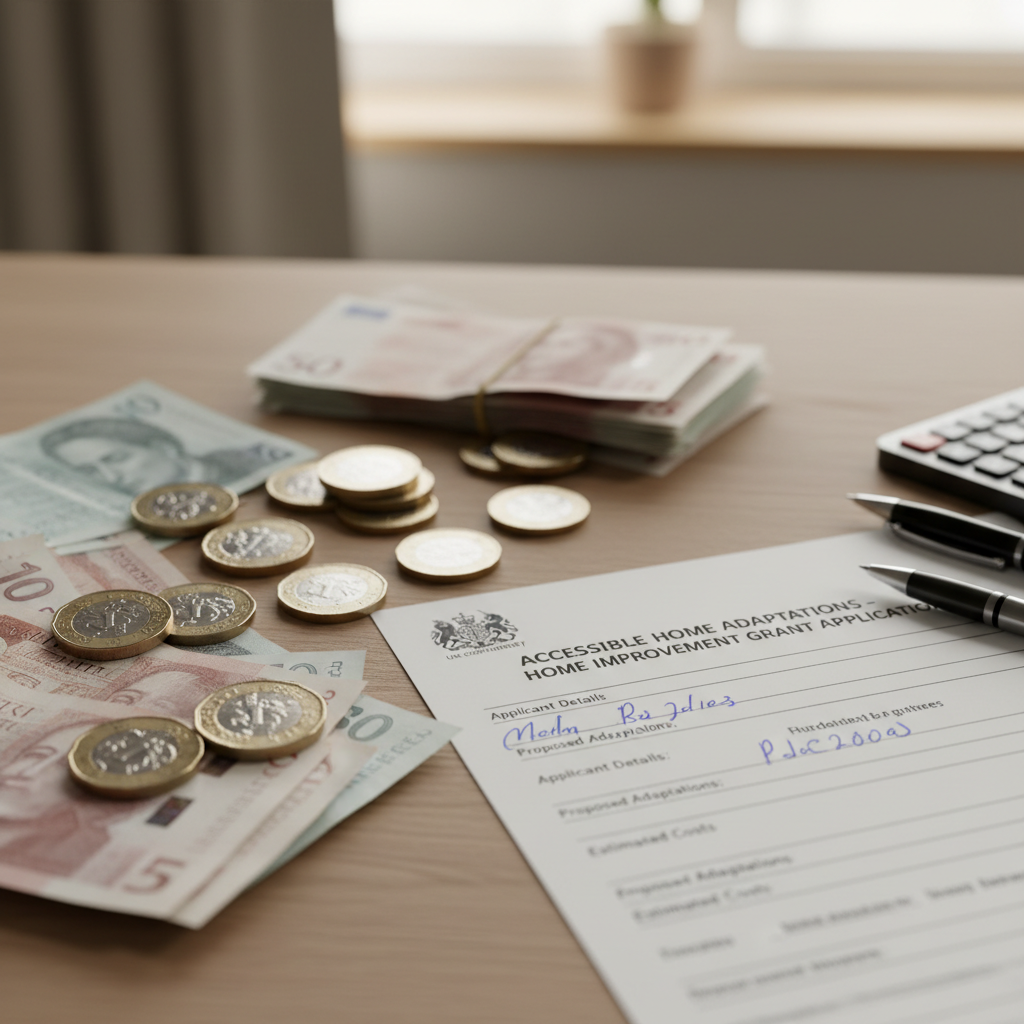
Access to Work grants
By Hackit Design Team
Designing a working from home set-up that protects health and productivity — and how Access to Work can help fund it.
Access to Work can provide support if you have a disability or health condition and you need help to:
- Start work
- Stay in work
- Move into self-employment
GOV.UK is the primary source for eligibility and how the scheme works.
A supportive work-from-home set-up is not just a desk. It is lighting, acoustics, ergonomics, storage, sensory comfort and routines. The goal is to reduce pain, fatigue and cognitive overload.
What should you think about when designing your home working area?
- Chair and desk comfort
- Glare control and task lighting
- Sound absorption and privacy
- Cable management and clear storage
- Break zones and pacing
These changes help because your work from home setup is not just about looking tidy. It is about reducing friction on your body and brain so you can focus on the work, recover faster and avoid avoidable stress.
Chair and desk comfort
This supports posture, circulation and joint alignment, which reduces pain and fatigue over the day. When your chair height, back support and desk height are right, you use less effort to sit, type and reach, so you have more energy left for thinking and decision making. It also reduces repetitive strain risk in wrists, shoulders and neck.
Glare control and task lighting
Glare forces your eyes to work harder and can trigger headaches, migraines and sensory overload. Controlling glare, for example with blinds, matte finishes and screen positioning, reduces visual stress. Task lighting gives you focused light where you need it without flooding the whole room, which improves comfort, accuracy and concentration, especially in darker months.
Sound absorption and privacy
Noise is one of the fastest ways to drain attention, increase irritability and raise stress levels, especially for neurodivergent people and anyone living with anxiety, psychological distress or chronic fatigue. Soft furnishings, rugs, curtains and acoustic panels reduce echo and sharp sounds. Privacy support, like door seals, white noise or a clear boundary sign, also helps you feel safer and less interrupted, which improves deep work and call quality.
Cable management and clear storage
Visual clutter is cognitive load. When cables are tangled and storage is unclear, your brain has to filter more information and you lose time searching, resetting and tidying. Clear storage and simple cable routes reduce trip hazards, improve safety and make it easier to keep the space usable even on low energy days. It also supports executive function, because the next step is obvious.
Break zones and pacing
A dedicated break zone, even a small chair by a window, creates a clear boundary between focus time and recovery time. This helps regulate your nervous system, reduce overwhelm and prevent pushing until you crash. Pacing, such as short breaks, hydration prompts and movement, supports pain management, attention and emotional regulation. It is also a practical way to protect productivity long term, not just in one good day.
Evidence and links
- GOV.UK Access to Work Supports the official overview of eligibility and what Access to Work can support.
- DWP Access to Work factsheet Supports a plain-English explanation of the Access to Work process and customer expectations.
- HSE Lighting at work HSG38 Supports the case that poor lighting contributes to eyestrain, headaches and visual discomfort.
- Emotional Safety in Design of Supported Housing (PMC) Supports emotional safety design principles and the case for environments that reduce psychological distress risk.
Need personalised support
Book a home assessment and we will recommend the right next steps for your home.
Need personalised support
Enjoyed this article?
Follow Hackit Design for more evidence-based guidance on NeuroInclusive Interior Design, accessible homes and wellbeing.
Share this article on Facebook · on LinkedIn